404 Page
The 404 page appears when a customer visits a link that does not exist on your store. It shows a calm message and buttons to get back to shopping—your header and footer still appear as usual.
Storefront preview
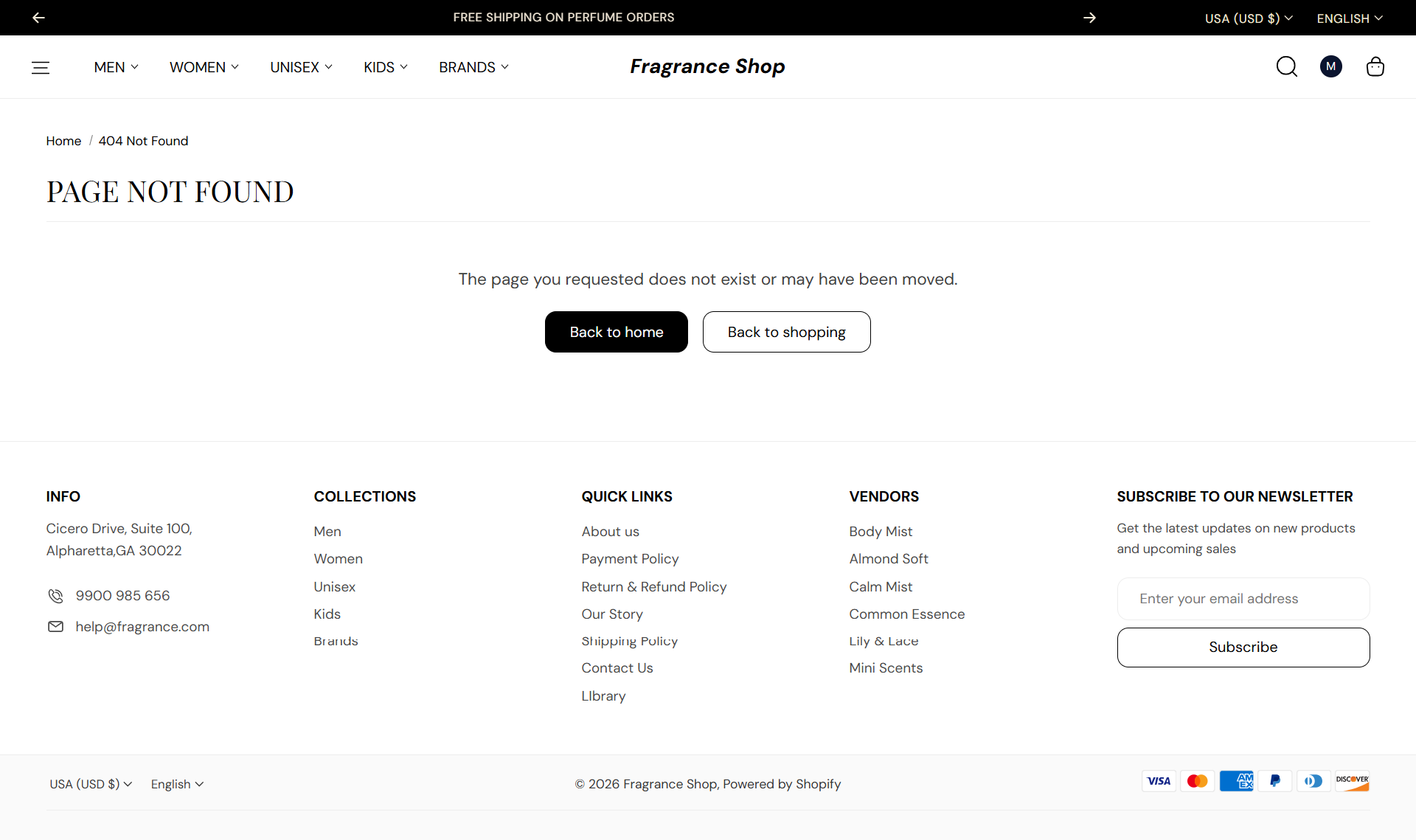
Storefront → 404 page
How to open this page
Where to find this
Shopify Admin → Online Store → Themes → Customize
Choose 404 page from the page dropdown at the top. You can also visit a broken URL on your storefront preview to see this page live.

Theme editor → 404 page → Template
How this page works
The 404 page section has no settings in the theme editor. The heading, message, and button labels come from your theme language content.
- Customers see a Page not found heading, a short explanation, and buttons for Back to home and Continue shopping.
- To change the wording, open Online Store → Themes → … → Edit default theme content and search for 404.
- Button styles follow your global settings under Theme settings → Buttons.