Heading
Title on the collapsible panel (for example See the fragrance in detail). Default: See the fragrance in detail. Videos come from the product’s media in Shopify Admin.
Usage
- Use a headline that invites customers to watch your product footage.
Product videos displays product media videos in a collapsible panel on the product page. Set the panel heading, choose whether it opens when the page loads, and adjust spacing above and below the section.
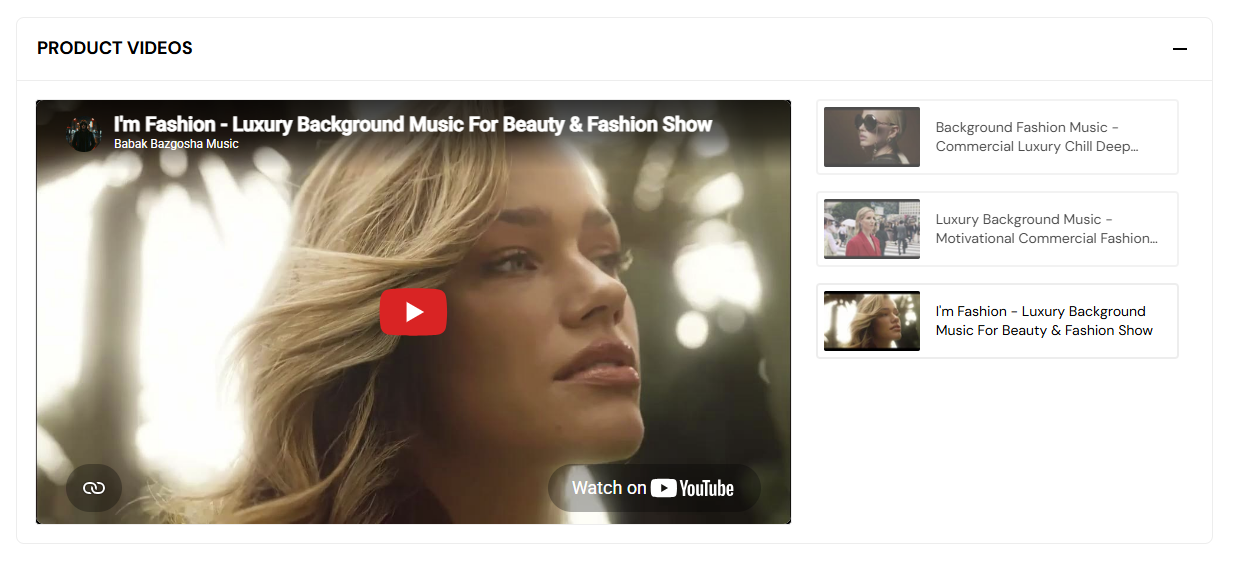
Storefront preview
Themes → Customize → Products → Default product → Product videos
This section is available on the product page template only. Select it in the left panel or click it in the preview to edit settings.
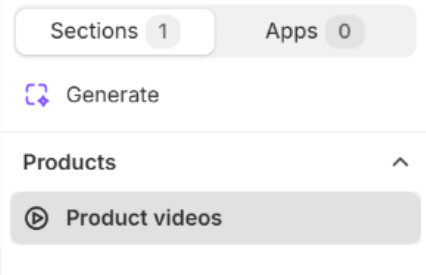
Theme editor → Default product template
Title on the collapsible panel (for example See the fragrance in detail). Default: See the fragrance in detail. Videos come from the product’s media in Shopify Admin.
Usage
Shows the video panel expanded when the page loads instead of collapsed. Default: On.
Usage
Adds empty space above and below this section on desktop and mobile.
Usage