Shopify Pages

Password Page

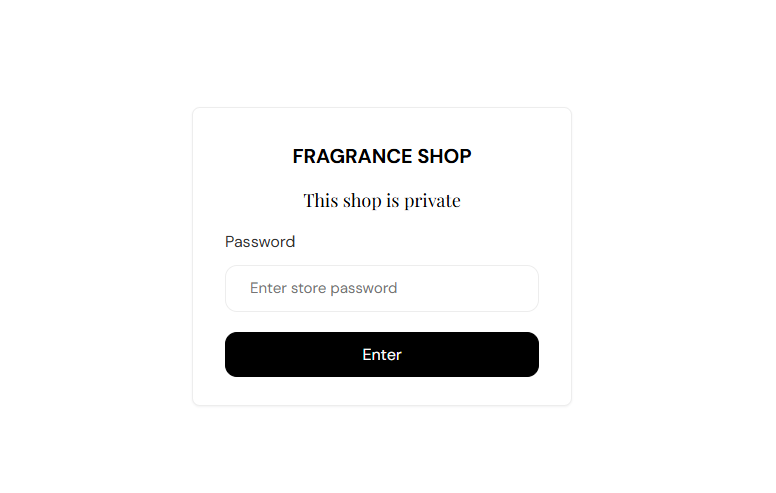
The Password page appears while your store is locked before launch. Visitors enter your store password to browse—without your usual header or footer, so the focus stays on your brand and sign-in form.

Storefront preview

Fragrance Shop password page with store name, private message, and password form

Storefront → Password page

How to open this page

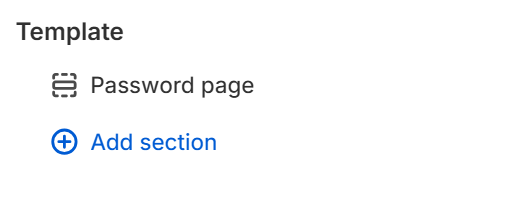
Password page template in the Fragrance Shop theme editor sidebar

Theme editor → Password page → Template

Password page settings

Custom heading

Replaces the default message above the password field. Leave blank to show This shop is private.

Usage

  • Add a short launch message, such as when your store opens or how to get early access.
  • Keep it to one or two lines so the form stays easy to scan on mobile.