Theme Sections

Contact form

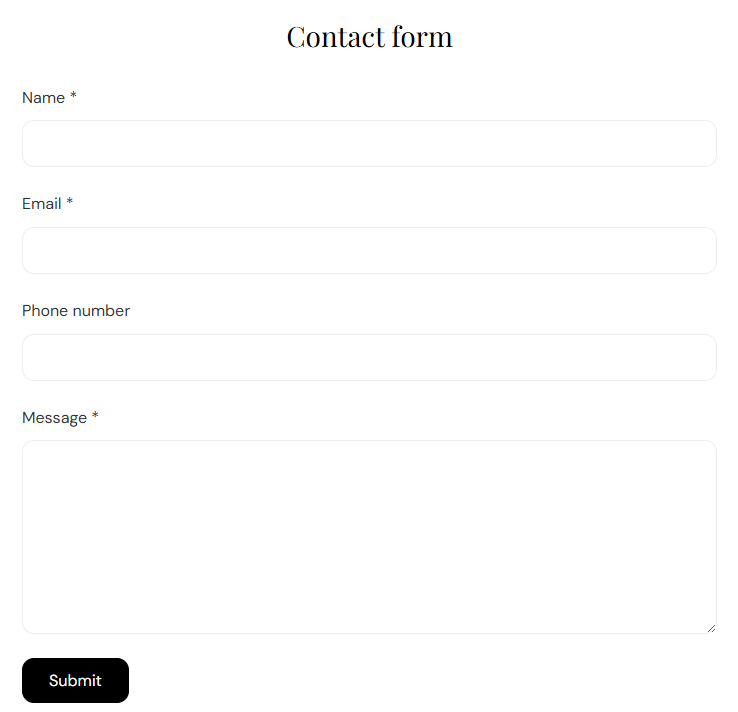
Contact form is a standard Shopify contact form with Name, Email, Phone, and Message fields plus a Send button. Customize the section heading and spacing; submissions are sent to your store’s contact notification email.

Storefront preview

Contact form section preview on the Fragrance Shop storefront

Storefront preview

Where to find this section

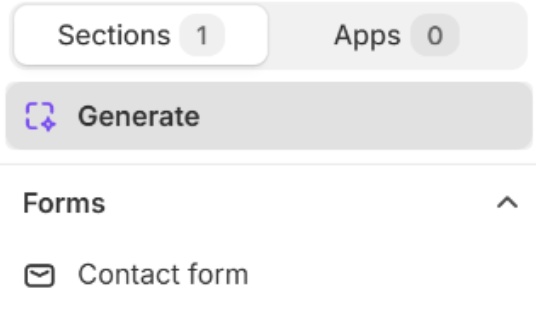
Contact form in the Forms group of the Fragrance Shop theme editor section picker

Theme editor section picker

Content

Heading

Title shown above the form (for example Contact form or Get in touch). Supports basic inline formatting. Default: Contact form.

Usage

  • Rename to match your brand voice (Questions?, Talk to us).
  • Leave blank to show the theme’s default contact form title.

Form fields

The form always includes Name (required), Email (required), Phone (optional), and Message (required), plus a Send button. These fields are not editable in the theme editor.

Usage

  • Add this section to a Contact page or footer-adjacent area for customer inquiries.
  • Logged-in customers see Name and Email pre-filled when available.
  • Successful submissions show a confirmation message; errors highlight the fields that need attention.

Section spacing

Section spacing

Adds empty space above and below this section on desktop and mobile.

Usage

  • Top padding (desktop) — Default: 40 px · 0–100 px
  • Bottom padding (desktop) — Default: 40 px · 0–100 px
  • Top padding (mobile) — Default: 40 px · 0–100 px
  • Bottom padding (mobile) — Default: 40 px · 0–100 px
  • When you move the slider, the gap above or below grows or shrinks