Gift Card Page
The Gift card page appears when a customer opens their gift card link from email. It shows the balance, card code, and a QR code for checkout—without your usual header or footer so the focus stays on the card.
Storefront preview
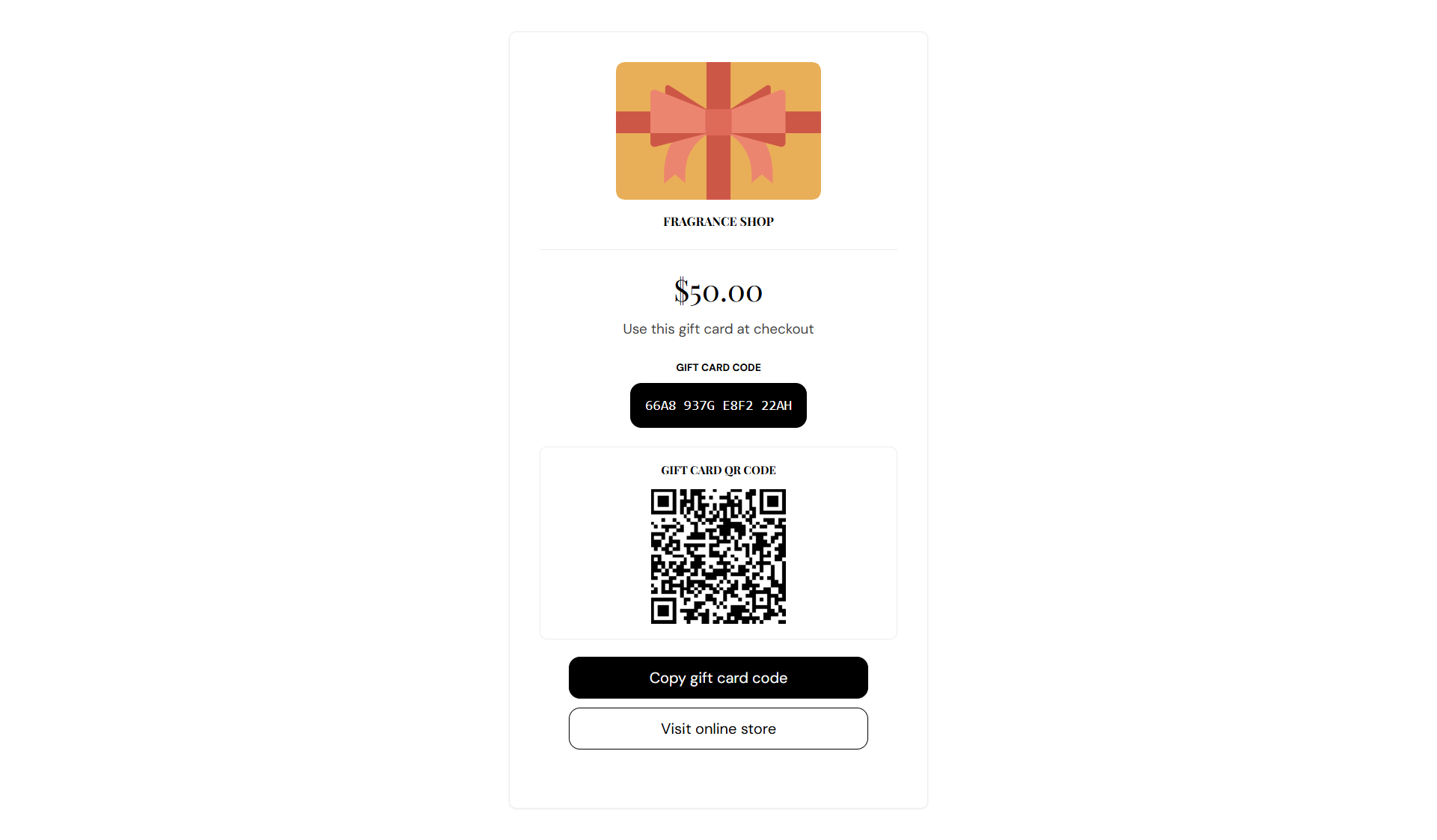
Storefront → Gift card
How to open this page
Where to find this
Shopify Admin → Products → Gift cards — issue a test card and open the link from the notification email.
You can also preview the gift card template from Online Store → Themes → Customize if your theme supports gift card preview.
How this page works
The gift card page is not built from theme editor sections. It is a fixed template that pulls your logo from theme settings and displays gift card details from Shopify.
- Customers see the balance, gift card code, and a QR code they can scan or copy at checkout.
- Expired or disabled cards show a warning message instead of the checkout prompt.
- Upload your logo under Theme settings → Brand identity → Store logo.
- To change button or text wording, open Online Store → Themes → … → Edit default theme content and search for Gift card.