Heading
Sets the title shown above the contact form. Supports bold, italic, and links. Default: Contact form
Usage
- Change to Get in touch or We're here to help to match your brand voice.
- Leave blank to use the theme's default contact form title.
The Contact page combines your intro text with a form customers can submit. Create the page in Shopify admin, assign the contact template, then customize the form heading and spacing in the theme editor.
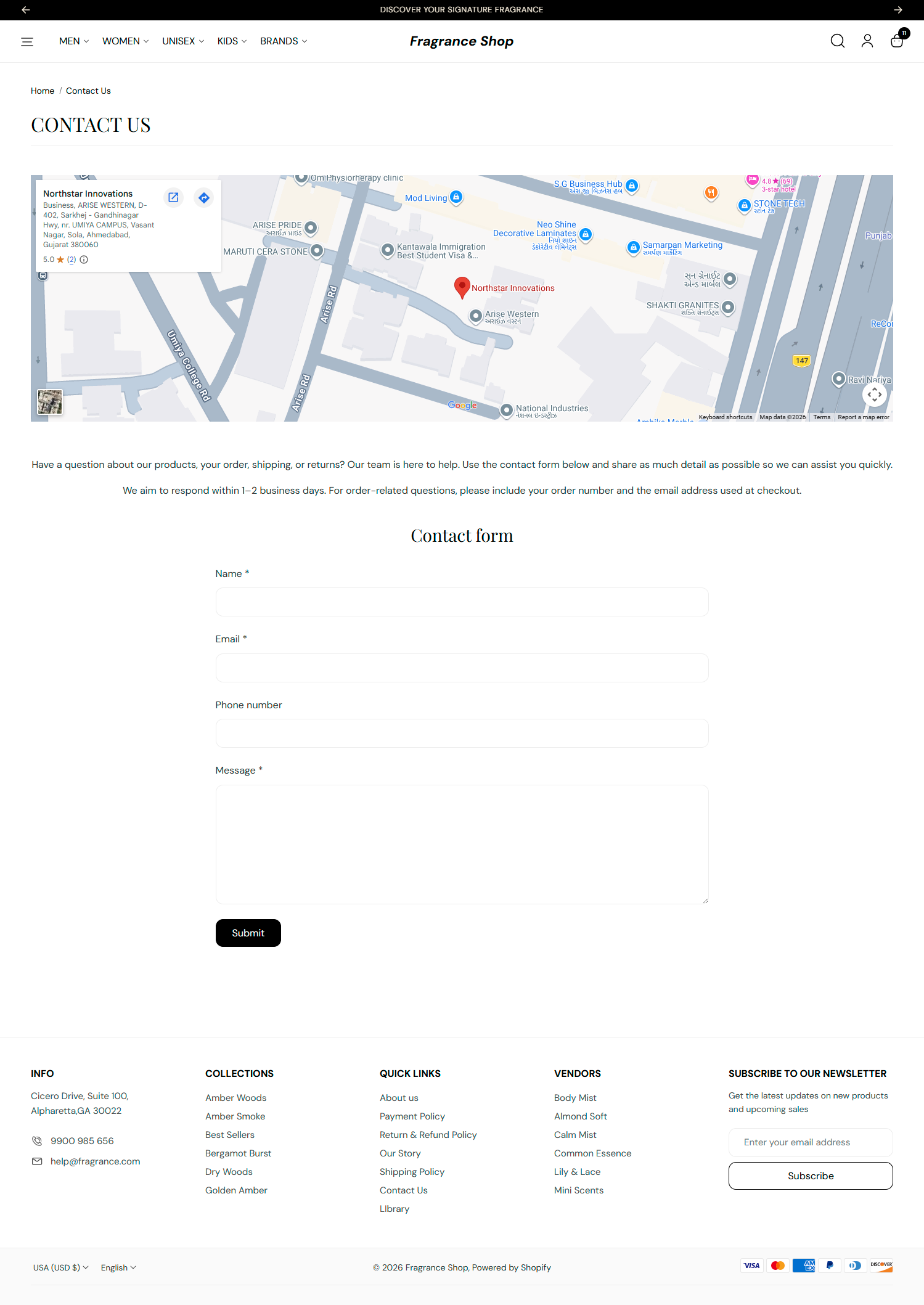
Storefront → Contact page
Shopify Admin → Online Store → Pages — create or open your contact page and set the template to contact.
Then open Online Store → Themes → Customize and pick that page from the dropdown at the top.

Theme editor → Contact page → Template
The Page section at the top shows your page title and body content from Shopify admin. It has no settings in the theme editor.
Sets the title shown above the contact form. Supports bold, italic, and links. Default: Contact form
Usage
Adds empty space above and below this section on desktop and mobile.
Usage