Cart Page
The Cart page is where customers review items, update quantities, and go to checkout at /cart. Many stores use the slide-out cart drawer instead—but this full page still matters when you send shoppers directly to the cart.
Storefront preview
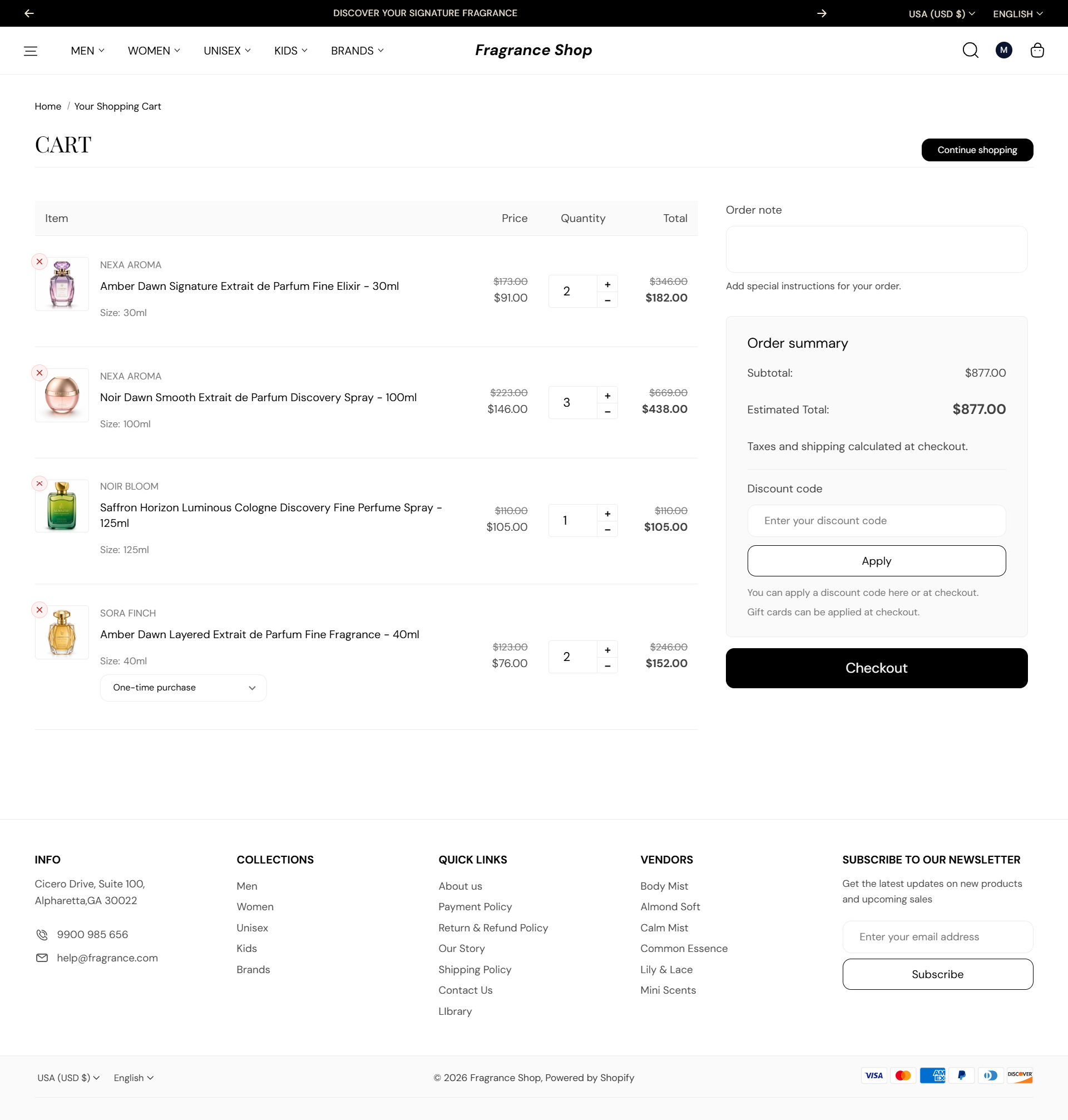
Storefront → Cart page
How to open this page
Where to find this
Shopify Admin → Online Store → Themes → Customize
Choose Cart from the page dropdown at the top. You can also add items on your storefront preview and open /cart to see this page live.

Theme editor → Cart → Template
How this page works
The Cart items section has no settings in the theme editor. Cart layout, labels, and checkout behavior are controlled globally and through Shopify’s cart system.
- Customers see line items with images, variant details, quantity controls, and remove actions. An empty cart shows a message and a link to keep shopping.
- Discount codes, order notes, and checkout are built into the cart page. Selling plans and subscription items are supported when enabled on products.
- Choose drawer vs full-page cart under Theme settings → Cart page. For the slide-out drawer, see Cart drawer.
- You can add more sections below Cart items with Add section—for example, a featured collection or newsletter signup.
- Button and form field styles follow Theme settings → Buttons and Form fields.