Article content
Show tags
Shows article tags below the post body. Default: On
Usage
- Turn on when you tag posts by topic and want customers to see related themes.
- Turn off for a cleaner finish on long-form articles.
The Article page shows one full blog post with title, image, and body content. Write the article in Shopify admin, then use the theme editor to choose which details—date, author, tags—to show.
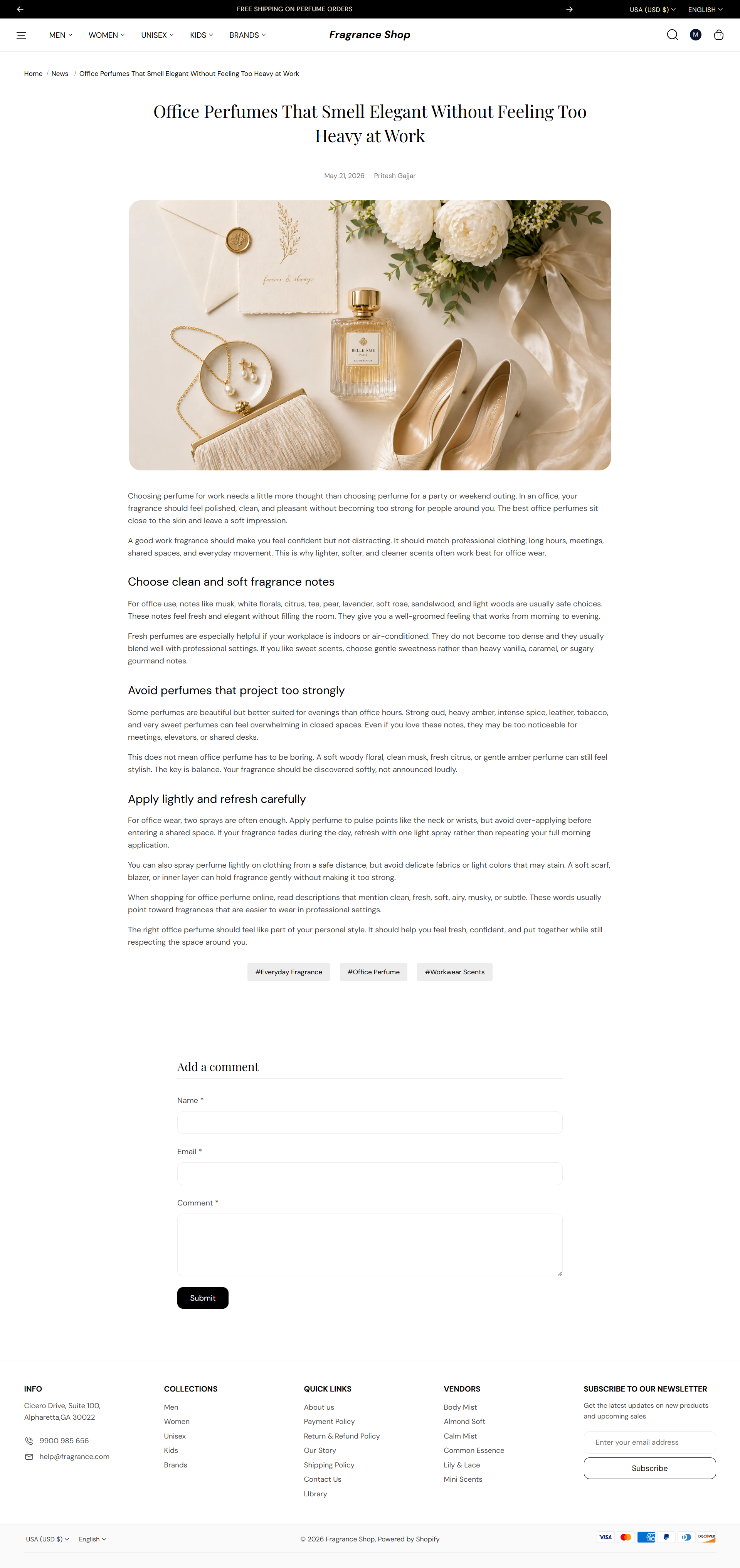
Storefront → Article page
Shopify Admin → Online Store → Themes → Customize
Open a blog post from Online Store → Blog posts and click View, or pick an article from the page dropdown in Customize.
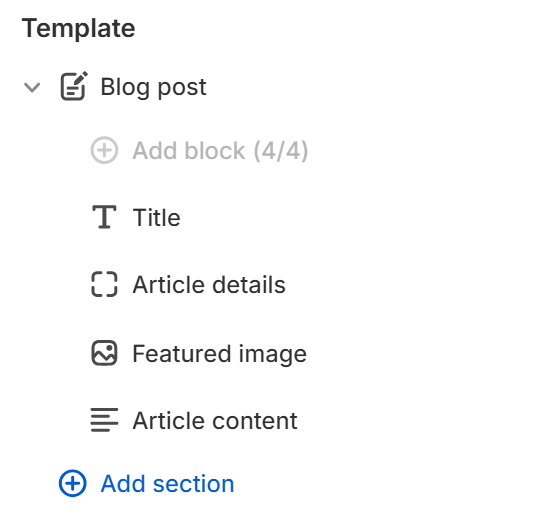
Theme editor → Blog post → Template
Shows the article author name beside the publish date. Default: On
Usage
Sets the aspect ratio for the article's featured image. Default: 16:9 – Hero
Usage
Controls how the image fills its frame. Default: Cover
Usage
Rounds the corners of the featured image using your theme's border radius presets. Default: Extra large radius
Usage
Shows article tags below the post body. Default: On
Usage
Adds empty space above and below this section on desktop and mobile.
Usage